Related Links
Use Photos+ Cloud Library with IDrive® e2
Photos+ is an iOS photo library app that lets you store your photos in IDrive® e2 cloud storage using e2 cloud object storage compatible API. Learn more about Photos+.
Prerequisites:
Before uploading files using Photos+, you require:
- An active IDrive® e2 account. Sign up here if you do not have one.
- A bucket in IDrive® e2. See how to create a bucket .
- Valid Access Key ID and Secret Access Key. Learn how to create an access key.
- A valid Photos+ account.
Set up the Photos+ Library with IDrive® e2
- Open Photos+ application and Sign-Up.
- In the navigation menu, tap
 .
.

- Go to
 and tap Configure.
Note: This configuration will work on only Mobile apps.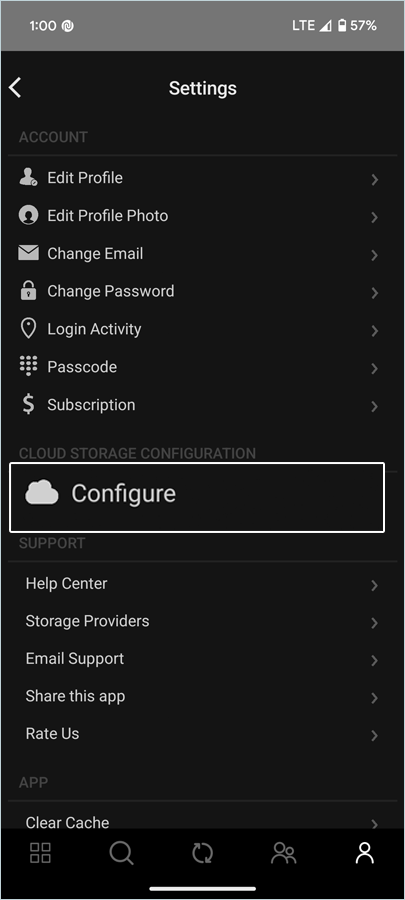
- Tap S3 Compatible Storage from storage.
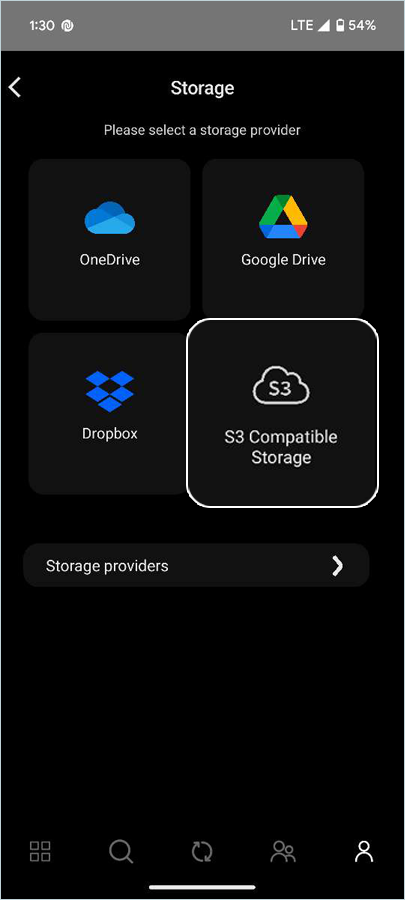
- Enter your IDrive® e2 storage endpoint.
- Enter your IDrive® e2 Access Key ID as the Access Key.
- Enter your IDrive® e2 Secret Key as the Secret Key.
- Tap Next.

- Select the empty bucket, created in IDrive® e2 and tap Save.

- Tap
 (Sync).
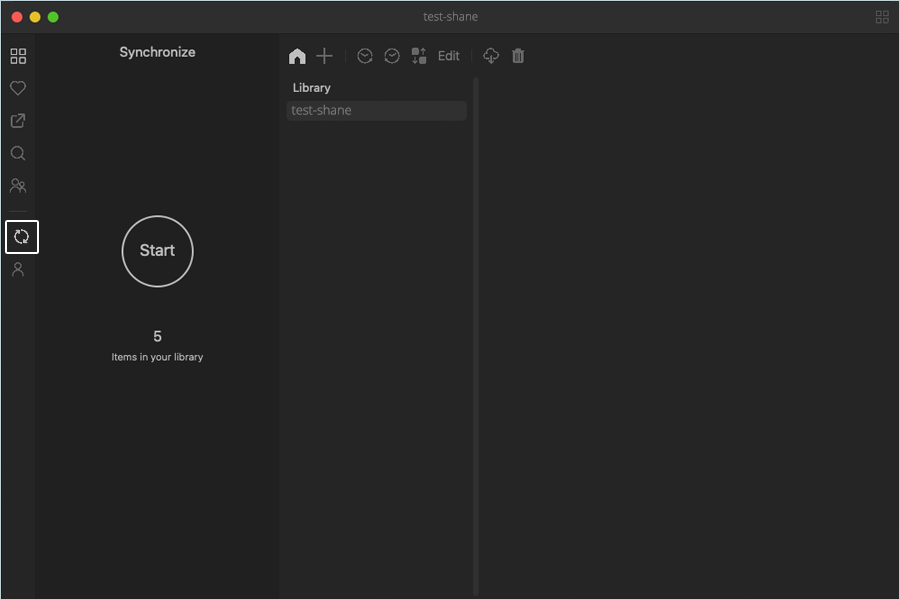
- Upload Files/Folder from local.
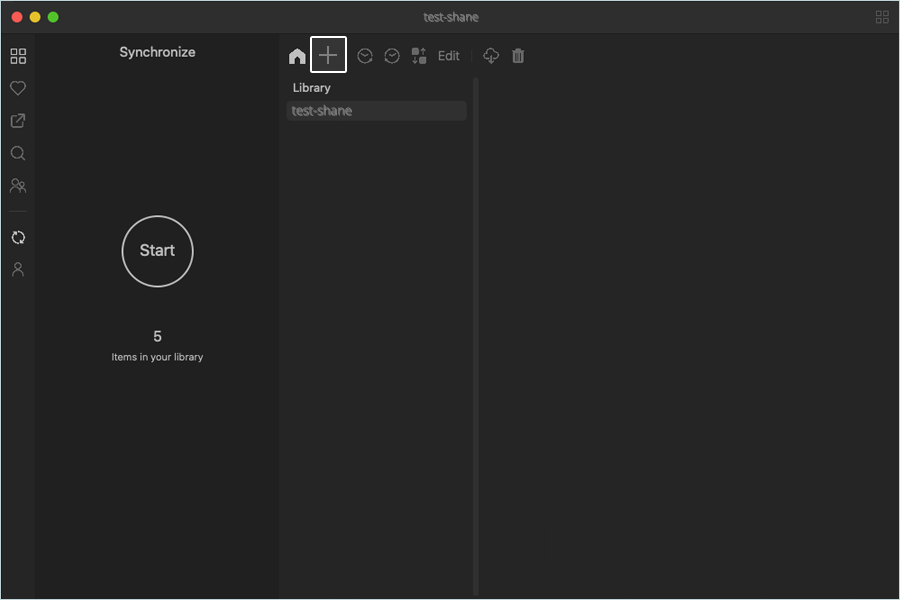
- Tap Start.
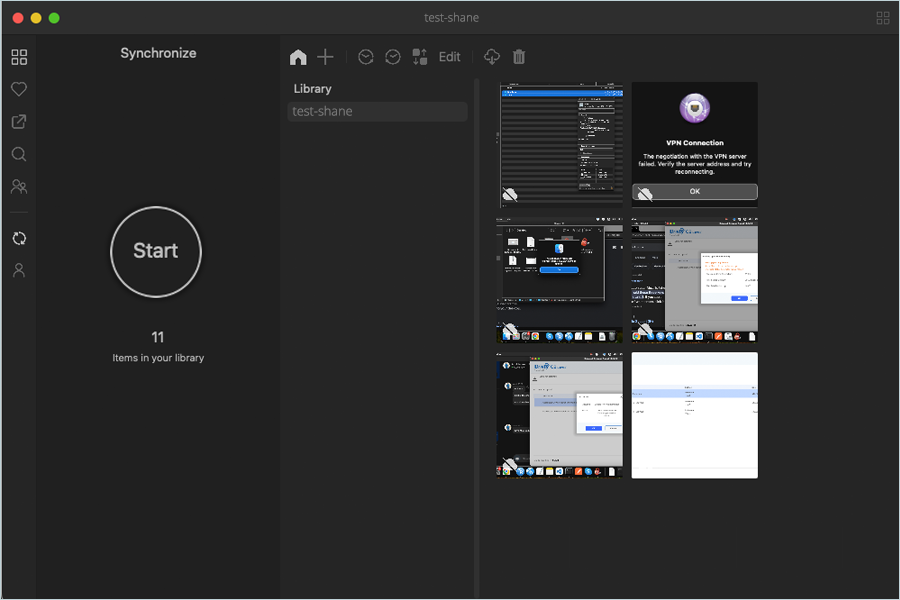
Note: Photos automatically sync to your IDrive® e2 bucket, and users can access them from there.